Mobile Property Management That Keeps Operations Moving
By PropFlow Team · Sep 12, 2026 · 10 min read

Property managers rarely lose time in one big block. It disappears in small delays: waiting to get back to the office, hunting for the latest note, or trying to approve a repair from a phone call in a parking lot. Mobile property management solves that workflow problem by putting the right tasks, records, and communication in your hand when the day does not go according to plan.
For landlords, property managers, and growing real estate operators, the real value is not just access on a phone. It is the ability to keep leasing, maintenance, accounting, and tenant communication moving without creating new bottlenecks. When your software is built for work on the go, distance stops slowing down decisions.
The real workflow problem: rental operations do not happen at a desk
A lot of property management work starts away from the office:
- A prospect wants to apply right after a showing
- A resident reports a leak with photos at 7:10 a.m.
- A vendor needs approval before ordering parts
- An owner asks for an occupancy update during a site visit
- A tenant says they already paid, but the ledger needs confirmation
- A manager notices a turn item during a walk-through and wants it assigned immediately
In a desktop-only workflow, each of those moments can turn into a delay. Someone writes a note, plans to update the system later, forgets one detail, duplicates a message, or waits until they are back at a computer. Those small gaps create real operating problems:
Slower response times
Tenants feel the lag first. If maintenance requests, lease questions, or payment confirmations sit in texts and voicemail until someone reaches a desktop, response times stretch out. That affects satisfaction and can increase escalations.
More manual follow-up
When teams cannot complete tasks on the spot, they create side systems: notebooks, screenshots, text threads, and reminder emails to themselves. That means more re-entry, more missed details, and more room for inconsistency.
Less visibility across the team
If updates happen later, the rest of the team may not know the current status of a unit, work order, application, or resident issue. One person thinks a vendor is scheduled. Another thinks approval is still pending. Owners get mixed answers.
Decision bottlenecks
Approvals are a common friction point. A repair estimate, lease renewal adjustment, or screening step should not stall just because the decision-maker is traveling between properties.
This is why property management software designed for mobile operations matters. It closes the gap between when work happens and when the system gets updated.
What mobile property management should actually make easier
Not every mobile app solves a meaningful problem. To improve operations, mobile property management software should support the workflows that most often break when teams are in the field.
1. Capturing information at the source
The best time to log details is when you are seeing them.
A mobile-first workflow lets managers:
- Add unit notes during inspections
- Upload photos and videos immediately
- Record maintenance details while on site
- Update prospect information after a showing
- Document conversations with residents before details are forgotten
That reduces the classic problem of fragmented records spread across text messages, camera rolls, and paper checklists.
2. Approving work without delay
Maintenance is one of the clearest examples of where mobile access pays off. If a manager can review a request, see attached photos, check vendor history, and approve a job from anywhere, work starts faster.
That speed matters for:
- Habitability issues
- Preventive maintenance timing
- Turn coordination between move-out and move-in
- Vendor scheduling windows
- Cost control before small issues become larger repairs
3. Communicating in one place
Field work gets messy when communication happens across personal texts, voicemail, email, and handwritten notes. Mobile property management software should keep messages tied to the resident, unit, owner, or work order so anyone on the team can see context.
That is especially valuable for after-hours coordination, on-call rotations, and distributed teams covering multiple buildings or markets.
4. Completing leasing tasks in motion
Leasing is highly mobile by nature. Showings, follow-ups, application reviews, and listing updates often happen between stops.
A strong mobile workflow helps teams:
- Respond to leads quickly
- Check application status on site
- Update unit availability after a showing
- Share next steps with prospects immediately
- Keep marketing and occupancy data current
If you are actively filling vacancies, integrated rental listing tools and mobile updates help eliminate the lag between field activity and what prospects see online.
A day-in-the-life example: where mobile access removes friction
Imagine a manager overseeing 85 units across three properties.
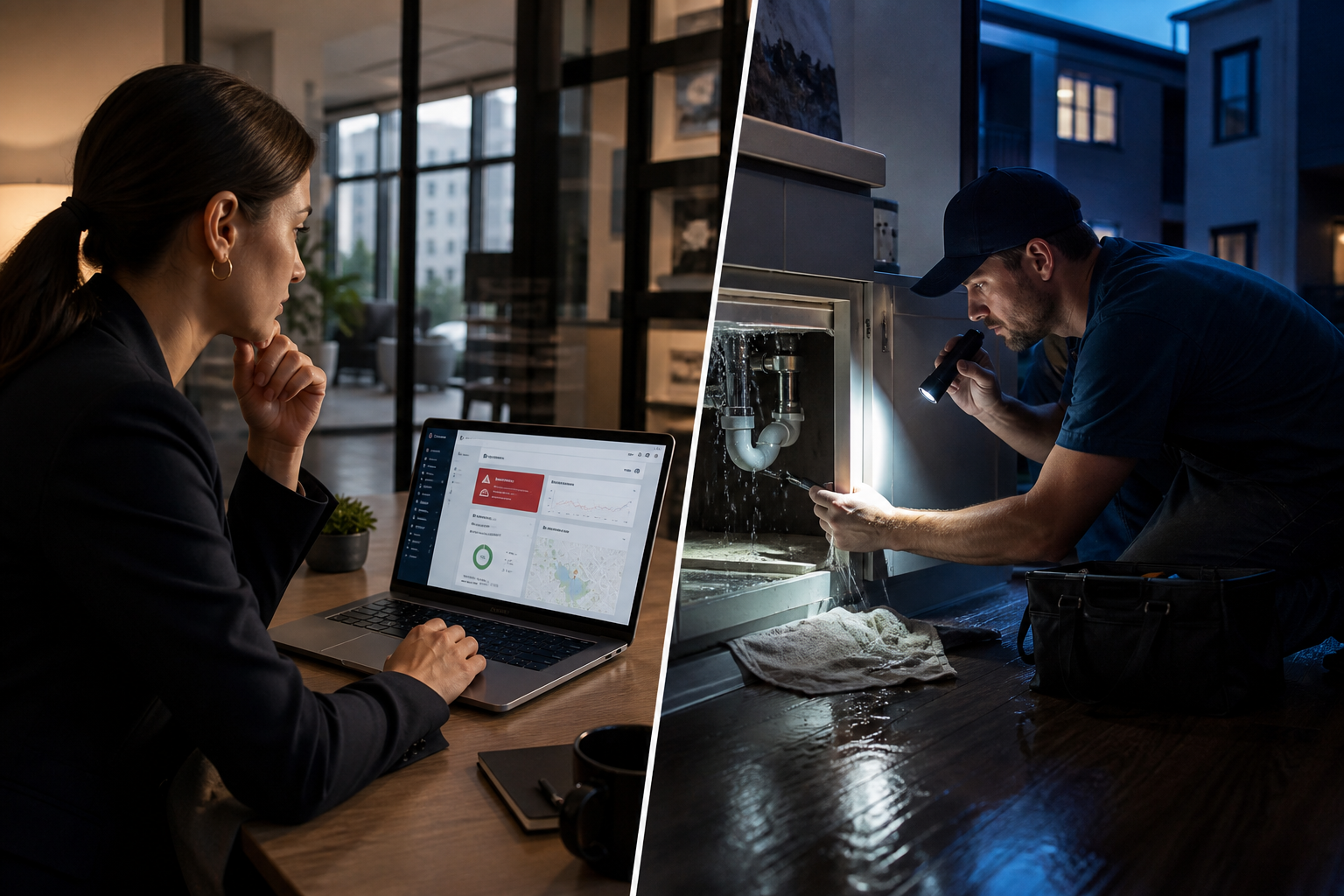
At 8:00 a.m., a resident submits a maintenance request with photos of water under a kitchen sink. While walking another property, the manager opens the request, checks the unit history, sees this is a repeat plumbing issue, and dispatches the preferred vendor before reaching the parking lot.
At 10:15 a.m., a prospect at a showing asks whether the application is complete and whether the pet policy applies to their dog. Instead of saying, "I'll check when I get back," the manager pulls up the applicant record, confirms the missing document, and sends the next-step message immediately.
At noon, an owner calls asking whether a recently turned unit is ready to list. The manager reviews inspection photos, confirms cleaning is complete, sees one paint touch-up still open, and gives an accurate update on the spot.
At 2:30 p.m., a vendor asks for approval on a revised estimate. The manager reviews the amount, compares it to the original scope, and approves it from a phone instead of delaying the repair until evening.
At 5:45 p.m., a tenant says their payment should have posted. The manager checks the ledger, confirms receipt, and replies before the issue turns into frustration.
None of these tasks is dramatic alone. Together, they are the workday. Mobile property management turns dead time into productive time and keeps operations from stacking up after hours.
The core mobile workflows that create the biggest impact
Maintenance coordination in the field
Maintenance moves faster when every step can happen from a mobile device:
- Resident submits request through the portal
- Manager reviews issue with photos and history
- Priority is assigned
- Vendor is dispatched
- Status updates are logged in real time
- Completion photos or notes are attached
- Resident communication stays connected to the work order
This workflow reduces duplicate calls and keeps the record clean for future reference.
Mobile leasing follow-through
Fast follow-up often determines whether an inquiry becomes a signed lease. Mobile access helps teams act while interest is still warm.
Useful mobile leasing actions include:
- Reviewing leads between showings
- Sending application prompts immediately
- Updating unit status the moment availability changes
- Coordinating internal handoffs from leasing to operations
When these workflows are connected through your broader software features, teams spend less time switching between tools and less time cleaning up preventable errors.
Rent and ledger visibility on the go
Managers do not need full accounting tasks on every trip, but they do need quick visibility. Being able to confirm balances, payment status, credits, or open charges while in the field reduces confusion and avoids vague answers.
That can be especially helpful during:
- Resident payment disputes
- Owner update calls
- Move-in and move-out conversations
- Collections follow-up
- End-of-month check-ins across a portfolio
Inspections and turn management
Unit walks are one of the biggest opportunities for mobile efficiency. If notes, photos, tasks, and status updates are captured during the walk, the turn process starts sooner and with fewer missing details.
Instead of writing a checklist on paper and entering it later, teams can create action immediately:
- Flag damages
- Assign cleaning or repair items
- Attach photos to the unit record
- Track readiness for listing or move-in
- Keep everyone aligned on remaining tasks
What to look for in mobile property management software
Not all mobile tools are equal. Some are basic resident apps, while others give managers real operational control. If your goal is to manage rentals from anywhere, prioritize capabilities that reduce rework and improve execution.
Real-time syncing
If updates made in the field do not appear instantly across the platform, your team can still end up working from outdated information.
Full task context
A mobile view should not strip away the details that help a manager make a decision. You should be able to see the unit, resident, communication history, attached files, and current status in one flow.
Easy photo and document capture
For inspections, maintenance, compliance documentation, and leasing, adding images and files from a phone should be simple.
Role-based access for distributed teams
Regional managers, site staff, vendors, and leasing agents may all need different levels of mobile access. Good permissions matter for both efficiency and data control.
Fast communication tied to records
Messages should live inside the workflow, not off to the side in separate personal channels.
Mobile-friendly approvals
Approvals are a key point of friction. Whether it is a vendor estimate, a renewal change, or a status decision, the action should take seconds, not a login maze.
The operational payoff: speed, consistency, and less after-hours catch-up
The biggest benefit of mobile property management is not that managers can do everything from a phone. It is that they no longer have to postpone critical actions until they return to a desk.
That leads to measurable improvements:
Faster cycle times
Work orders get assigned faster. Showings convert faster. Unit turns move faster. Payment questions get resolved faster.
Better data quality
When updates happen in real time, records are more accurate. That supports clearer owner reporting, cleaner histories, and better internal coordination.
Reduced burnout
Many managers do not mind being in the field. What drains them is the second shift afterward: entering notes, catching up on approvals, and untangling disconnected messages. Mobile workflows reduce that pileup.
Better resident experience
Residents notice responsiveness. They may not care what system you use, but they care that maintenance gets moving, questions get answered, and nothing seems to disappear into a black hole.
Common mistakes teams make when going mobile
Treating mobile as a bonus, not a workflow strategy
If the mobile app is only for checking messages, it will not solve the bigger issue. Start with your most delay-prone workflows and make sure they can be completed end to end.
Keeping side-channel communication alive
If staff still rely on personal texting for operational updates, information will remain fragmented. The mobile system has to become the primary place where work is tracked.
Overlooking training for field use
Staff should know how to use mobile tools in real scenarios: inspections, vendor approvals, leasing follow-up, and resident communication. Adoption rises when training matches the day-to-day reality of the job.
Ignoring owner and growth needs
A small portfolio can limp along on informal updates longer than it should. But once unit count grows, delays become expensive. A mobile-ready system should support scale, not just convenience.
Actionable takeaways
- Identify the top five tasks your team delays until returning to the office
- Prioritize mobile workflows for maintenance, leasing, inspections, and resident communication
- Standardize how notes, photos, and approvals are captured in the field
- Replace side-channel updates with in-system communication tied to the right record
- Choose software that gives real operational control, not just read-only access
Why this matters now
Operating rentals from anywhere is no longer a nice-to-have for growing portfolios. Teams are more distributed, residents expect faster responses, and managers are responsible for more moving parts across more properties. Mobile property management helps close the gap between field activity and operational execution.
With the right platform, managers can stay responsive without being tethered to an office, owners get clearer visibility, and teams spend less time on catch-up work that adds no value. If you are evaluating tools, explore PropFlow's property management software, review the available plans and pricing, or start with PropFlow today to see how mobile workflows can keep your rentals moving from anywhere. For more practical operating insights, you can also browse the latest articles on the PropFlow blog.
Frequently Asked Questions
What is mobile property management software?
Mobile property management software lets landlords and property managers handle key rental tasks from a phone or tablet, including maintenance coordination, tenant communication, leasing updates, rent status checks, and inspections.
Can mobile property management software replace desktop workflows?
It can replace many field-based tasks and remove delays, but most teams still use desktop workflows for deeper accounting, reporting, and administrative work. The goal is to complete urgent and routine actions without waiting to get back to the office.
Which property management tasks benefit most from mobile access?
The biggest gains usually come from maintenance approvals, inspections, turn management, leasing follow-up, resident messaging, and quick ledger or payment checks while on site.
Is mobile property management useful for small landlords?
Yes. Even landlords with a smaller portfolio benefit from faster maintenance response, cleaner recordkeeping, and the ability to manage communication, payments, and unit updates without juggling spreadsheets and text threads.
How does mobile property management improve tenant experience?
It helps teams respond faster, keep better records, and reduce dropped handoffs. Tenants experience quicker maintenance action, clearer communication, and fewer delays around payments, leasing, and service requests.